
RFID Read Range Dropping? 5 Factors & Settings to Fix It
Introduction
RFID technology is the backbone of modern retail and business operations. From tracking inventory in warehouses to speeding up checkout counters, the read range of RFID systems determines how smoothly everything runs.
When the read range drops, businesses face inefficiency, errors, and lost revenue. Items may not scan correctly, stock counts become unreliable, and customer experiences suffer. In this article, we’ll explore five proven fixes that help businesses and retailers restore optimal RFID performance.
Why Read Range Matters in Business & Retail
Inventory Management
Poor RFID read range leads to inaccurate stock counts, causing stockouts or overstocking. This disrupts replenishment decisions, increases storage costs, and forces manual checks. Reliable reads ensure smooth supply chain visibility, better forecasting, and reduced shrinkage across warehouses and retail stores.
Customer Experience
When RFID systems mis‑scan or delay at checkout, customers face longer queues and frustration. Inaccurate reads can cause pricing errors or failed self‑checkout attempts. Smooth RFID performance ensures fast service, accurate billing, and stronger customer trust in retail environments.
Compliance & Reporting
Missed RFID reads create gaps in audit trails, leading to compliance failures, shrinkage, and reporting inaccuracies. Businesses risk penalties or poor decision‑making if data is unreliable. A strong read range supports accurate audits, transparent reporting, and better control over inventory movement.
For retailers and supply chain managers, reliable RFID performance is not optional; it’s essential.
Factor 1: Antenna Placement & Orientation
RFID antenna placement is often overlooked, yet it plays a critical role in RFID performance. Incorrect positioning or orientation can significantly reduce coverage, leading to missed reads, inefficiencies, and unreliable data across retail stores and warehouse operations.
Best practices:
- Place antennas at the right height and angle to maximize coverage.
- Ensure antennas face tagged items directly, avoiding obstructions.
- In retail, antennas near checkout counters should be angled to capture items in baskets, while warehouse antennas should cover racks and pallets.
Factor 2: Tag Quality & Environment
RFID tag quality directly impacts system performance. Damaged or low‑grade tags weaken signals, while environmental conditions can further reduce readability. Businesses and retailers must ensure durable tags and account for surroundings to maintain reliable tracking and smooth operations.
Environmental challenges:
- Metal shelves reflect signals, causing interference.
- Liquids absorb radio waves, reducing readability.
- Crowded spaces with overlapping tags create noise.
- Dust or dirt buildup on tags can block signals.
- Extreme temperatures may affect tag durability and performance.
Example: Grocery retailers often struggle with liquid packaging (like bottled water or milk), where tags require careful placement or specialized designs.
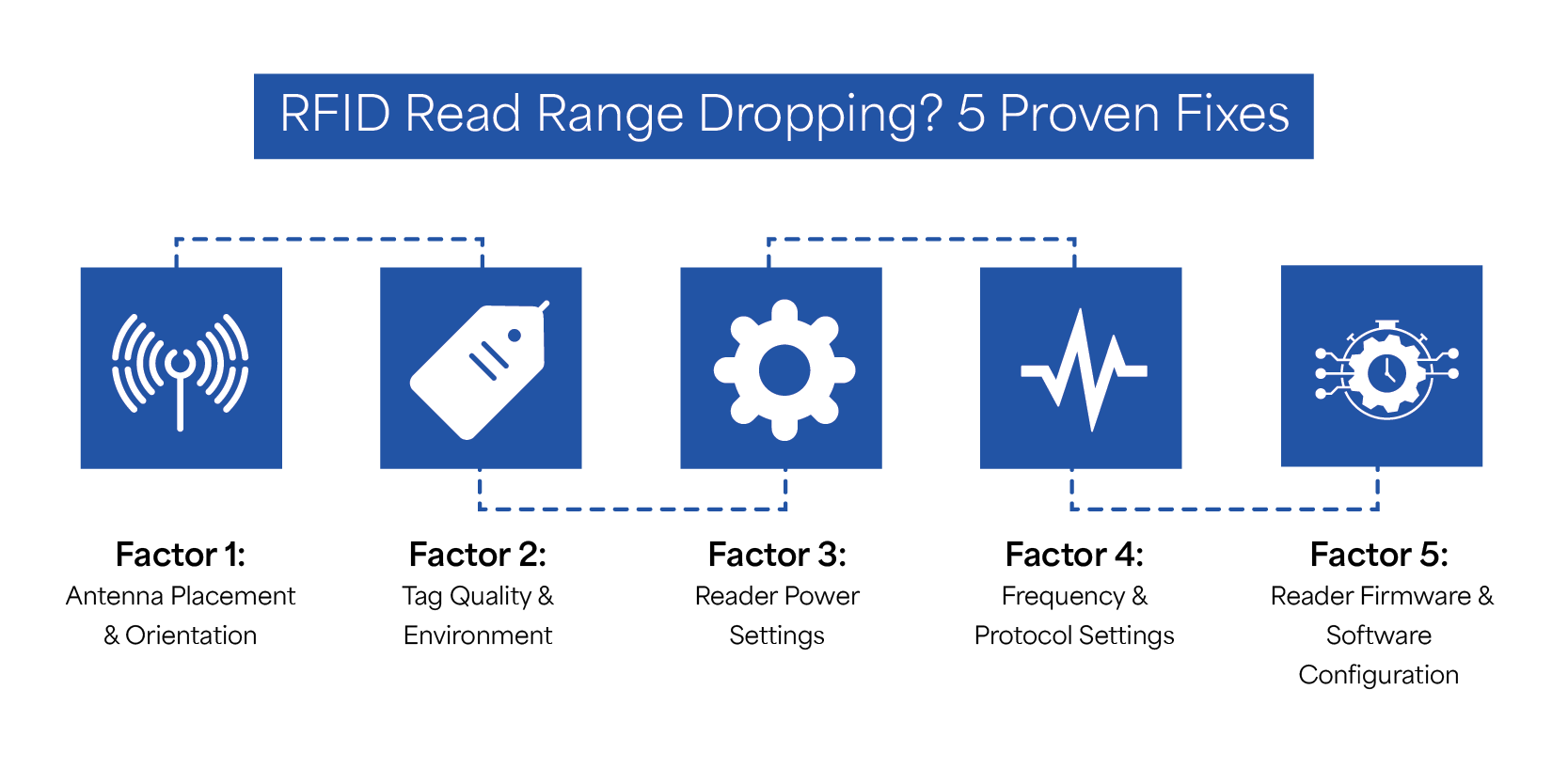
Factor 3: Reader Power Settings
Reader transmit power plays a crucial role in determining RFID read range. Setting power too high can extend coverage but cause interference, while too low may improve precision yet miss distant tags. Balancing these settings ensures reliable performance across different environments.
- Higher power: Extends range, useful for large warehouses, but risks interference with nearby systems.
- Lower power: Improves precision, ideal for retail checkout, but may miss tags placed farther away.
Example: In a warehouse, higher power settings help cover wide areas and scan multiple pallets efficiently, reducing manual checks. In retail, lower power ensures accurate scanning at checkout counters, preventing misreads and improving customer satisfaction during transactions.
Factor 4: Frequency & Protocol Settings
Different frequencies suit different environments:
- UHF (Ultra High Frequency): UHF is widely used in retail and logistics because it supports fast bulk reads over longer distances. This makes it ideal for scanning multiple items at once, improving efficiency in warehouses and checkout counters.
- HF (High Frequency): HF works best for short‑range precision applications, such as payment cards or library systems. It provides reliable reads in close proximity, ensuring accuracy where items are scanned individually rather than in bulk.
- LF (Low Frequency): LF is suitable for environments with heavy interference, such as areas with metal or water. While slower in read speed, it offers stable performance where higher frequencies struggle, making it useful in industrial or specialized settings.
Protocol tweaks: Adjusting EPC Gen2 protocol settings can fine‑tune performance. Businesses can reduce noise, improve tag recognition, and optimize read events. These tweaks help balance speed and accuracy, ensuring RFID systems run smoothly in both retail and industrial operations.
Case study: Apparel retailers often use UHF tags to scan multiple clothing items quickly at checkout.
Factor 5: Reader Firmware & Software Configurations
Firmware and software play a critical role in RFID performance.
Firmware updates
Keeping RFID reader firmware updated ensures compatibility with the latest standards. Updates often fix bugs, improve performance, and add new features, helping businesses maintain reliable read ranges without disruptions in daily operations.
Software filters
Software filters reduce noise and prevent duplicate reads, improving overall accuracy. By eliminating unnecessary data, businesses can focus on meaningful insights, making RFID systems more efficient and easier to manage across retail and warehouse environments.
Middleware solutions
Middleware helps businesses handle large volumes of RFID read events efficiently. It organizes data, integrates with ERP or POS systems, and ensures smooth workflows. Solutions like TagMatiks RFID Software provide dashboards and analytics for better decision‑making.
Example: A logistics company improved package tracking by updating reader firmware and using middleware to filter duplicate reads.
Troubleshooting Checklist for Businesses & Retailers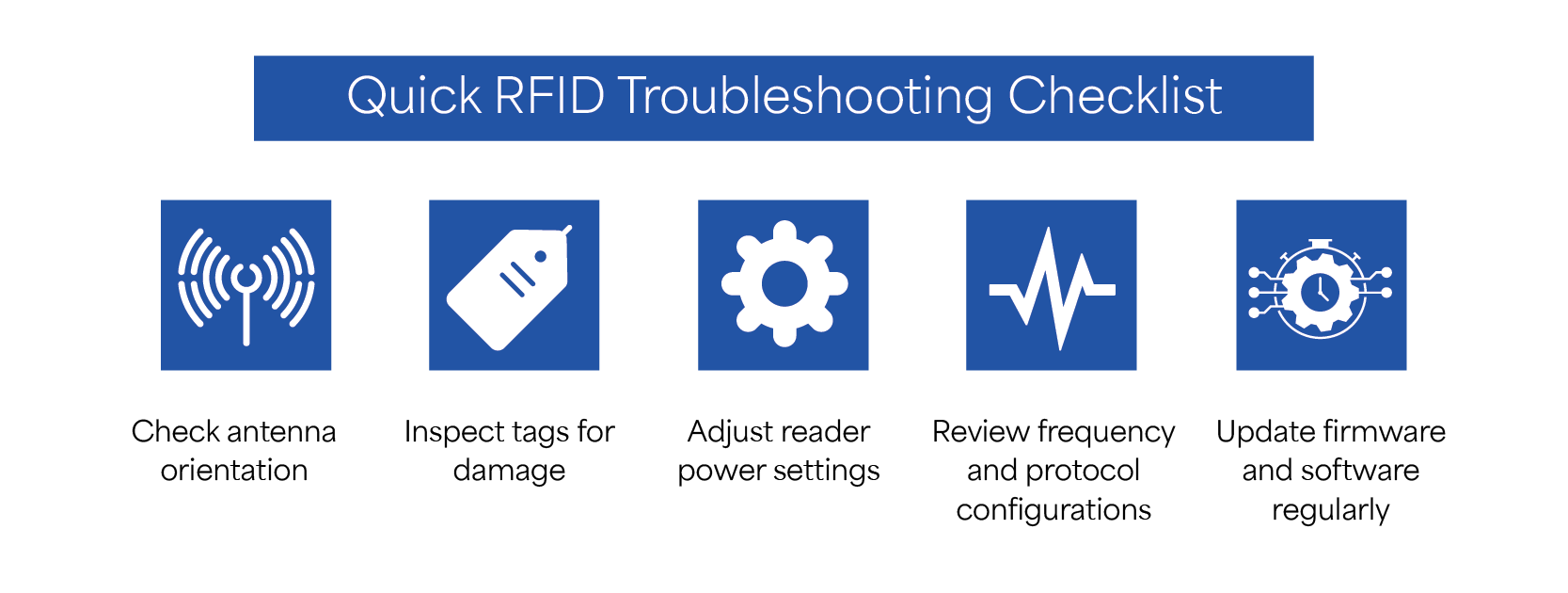
Quick fixes to restore performance:
- ✅ Check antenna orientation: Incorrect antenna angles or placement reduce coverage. Adjusting orientation ensures tags are read consistently, improving accuracy in both retail checkout counters and warehouse operations.
- ✅ Inspect tags for damage: Damaged or low‑quality tags weaken signals. Regularly check and replace faulty tags to maintain reliable reads and prevent inventory errors across shelves, pallets, or packaged goods.
- ✅ Adjust reader power settings: Reader transmit power directly affects range. Increase power for wide warehouse coverage or reduce it for precise retail scanning to avoid interference and misreads.
- ✅ Review frequency and protocol configurations: Different environments require different frequencies. UHF suits retail bulk reads, HF works for short‑range precision, and LF handles interference. Adjust EPC Gen2 protocols for smoother performance.
- ✅ Update firmware and software regularly: Firmware updates fix bugs and improve compatibility. Software tools like TagMatiks RFID Software filter duplicate reads, provide analytics, and ensure RFID systems run efficiently across business operations.
Conclusion
Maintaining strong RFID read range is essential for accurate inventory, smooth customer experiences, and reliable reporting. By addressing antenna placement, tag quality, reader power, frequency settings, and software updates, businesses can reduce errors, improve efficiency, and achieve better ROI across retail and logistics operations.
Recent Posts
-

Comprehensive Comparison of RFID Metal Mount Tags
RFID Metal Mount Tags are engineered to function reliably on metallic surfaces, where standard RFID …Sep 14th 2026 -

RFID Read Range Dropping? 5 Factors & Settings to Fix It
Introduction RFID technology is the backbone of modern retail and business operations. From tracking …Sep 7th 2026 -

Comprehensive Guide to Troubleshooting RFID Handheld Readers
RFID handheld readers are critical tools for inventory management, asset tracking, and logistics. Wh …Aug 19th 2026