
Understanding the Key Components of an RFID Printer
An RFID printer is a specialized device that not only prints labels but also encodes RFID chips embedded within them. Its key components include electronic circuits for encoding, mechanical parts for printing and cutting, and software for integration with enterprise systems.
Type of RFID printer
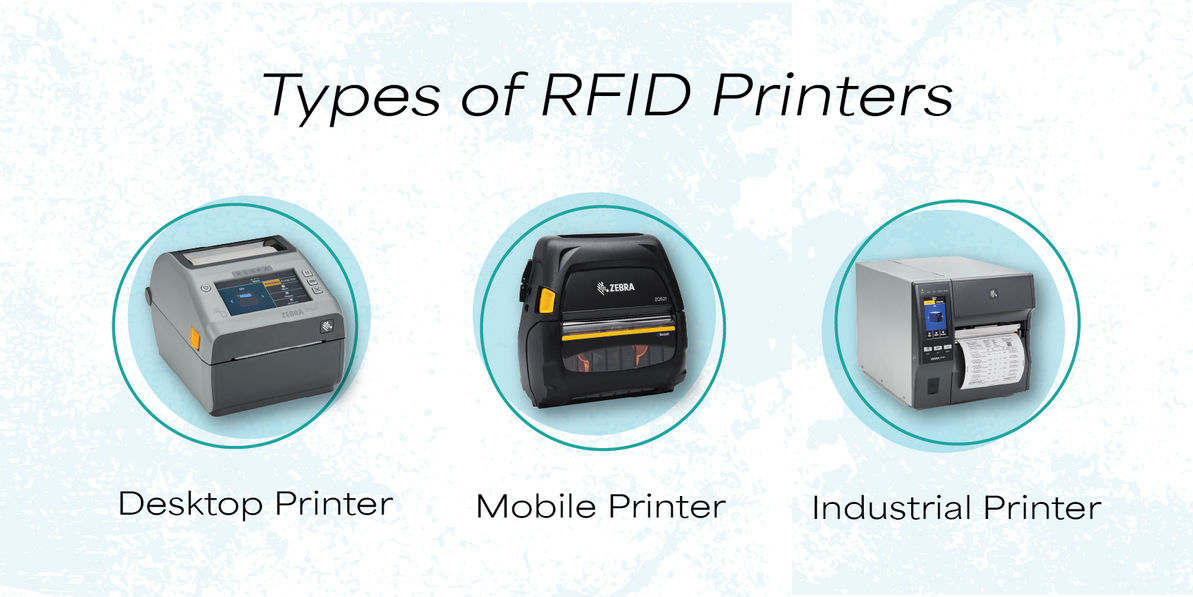
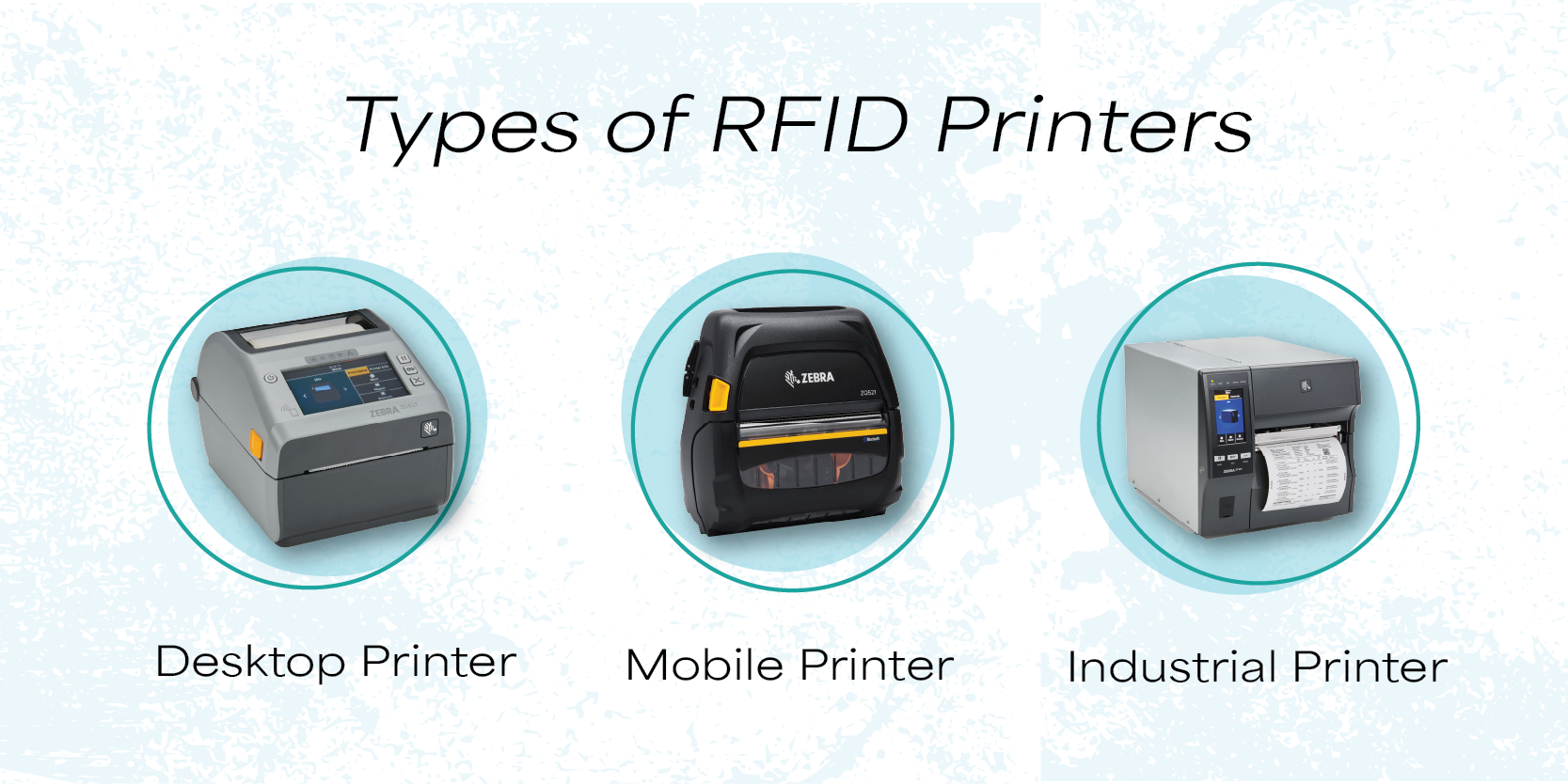
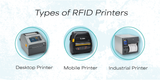
RFID printers come in three main categories—desktop, industrial, and mobile.
|
Industrial RFID Printers |
||
|
Compact and lightweight, ideal for low-to-mid volume printing. |
Rugged, durable, built for high-volume, 24/7 operations. |
Portable, battery-powered, for on-the-go printing. |
|
Best for retail backrooms, healthcare wristbands, and small businesses. |
Used in warehouses, manufacturing plants, and logistics hubs. |
Used in retail floors, field service, and healthcare bedside labeling. |
|
Lower cost, easy to use, space-saving. |
High speed, large media capacity, advanced encoding accuracy. |
Wireless (Bluetooth/Wi-Fi), prints labels at point of application. |
|
Limitations: slower speeds, not for continuous heavy use. |
Limitations: higher upfront cost, bulky, requires space. |
Limitations: lower print volumes, smaller media rolls. |
Detailed Components of an RFID Printer
1. RFID Module
- Function: This is the heart of RFID capability. It encodes information onto the RFID chip embedded in the label.
- How it works: The module sends radio signals to the chip, writing data such as product ID, batch number, or logistics info.
- Importance: Without this, the printer is just a label printer. It ensures compliance with EPCglobal and ISO standards.
Detailed Breakdown of the Printhead
1. Function
- Applies heat to the label material or ribbon to create the printed image.
- Ensures clarity and durability of barcodes, text, and graphics.
- Works in sync with the rollers and feed mechanism to maintain alignment.
2. Types of Printheads
- Direct Thermal Printhead
- Burns the image directly onto heat-sensitive paper.
- No ribbon required.
- Best for short-term labels (shipping, receipts).
- Thermal Transfer Printhead
- Uses a ribbon coated with ink.
- Heat transfers ink onto the label surface.
- Produces durable, long-lasting prints (asset tags, compliance labels).
3. Resolution
- Measured in dots per inch (DPI).
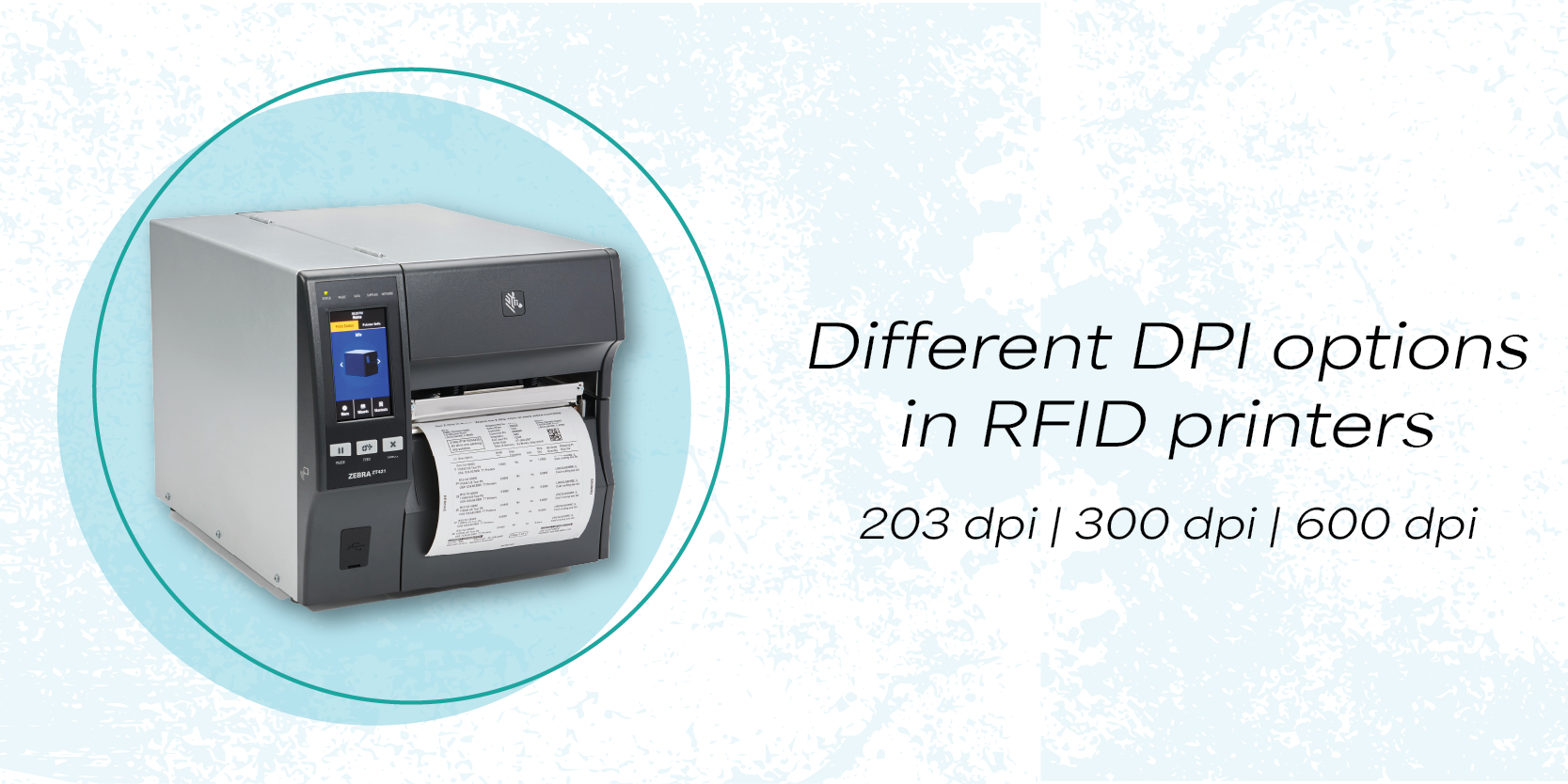
- Common resolutions: 203 DPI, 300 DPI, 600 DPI.
- Higher DPI = sharper images and barcodes.
4. Integration with RFID Encoding
- The printhead must align perfectly with the RFID inlay position.
- If misaligned, the printed barcode may not match the encoded chip data.
- Controlled by the microcontroller to synchronize printing and encoding.
5. Maintenance
- Cleaning: Dust or adhesive buildup can damage the printhead.
- Replacement: Printheads wear out over time due to heat and friction.
- Calibration: Ensures proper pressure and alignment for consistent quality.
RFID printers come in different print width categories, which determine the maximum label size they can handle. Width is critical because it defines whether a printer is suitable for small asset tags, retail labels, or large industrial pallet labels. Let’s break this down in detail:
Types of RFID Printers Based on Widths
- 2-inch RFID Printers
- Width Range: ~48–60 mm
- Use Case: Small labels, wristbands, jewelry tags, cosmetics, and laboratory samples.
- Depth: Compact footprint, often used in healthcare and retail. Limited to smaller RFID inlays due to narrow media path.
- 4-inch RFID Printers
- Width Range: ~104–118 mm
- Use Case: Standard logistics labels, shipping tags, retail price labels, carton labels.
- Depth: The most common width in RFID printers. Balances versatility and cost. Supports a wide range of RFID inlays and media types.
- 6-inch RFID Printers
- Width Range: ~152–168 mm
- Use Case: Pallet labels, industrial compliance tags, and warehouse signage.
- Depth: Designed for heavy-duty industrial applications. Larger printhead accommodates oversized RFID labels and tags.
Why Width Matters
- Media Compatibility: Wider printers can handle larger rolls and more diverse RFID inlays.
- Application Fit: Small printers are ideal for jewelry or healthcare, while wide printers are essential for logistics and manufacturing.
- Encoding Accuracy: Wider printers often have more advanced RFID encoding modules, ensuring proper chip placement across larger labels.
What Exactly is DPI in Thermal Printing?
Before diving into the comparison, it helps to understand how thermal RFID printers work. Unlike inkjet printers that spray liquid ink, direct thermal and thermal transfer printers use a printhead containing a row of microscopic heating elements.
As the label material (or thermal ribbon) passes beneath the printhead, these elements heat up and cool down rapidly, turning specific spots black to form text, graphics, and barcodes.
- DPI (Dots Per Inch): Refers to how many of these tiny heating elements are packed into a single inch of the printhead.
- A 203 DPI printer has 203 heating elements per inch (about 8 dots per millimeter).
- A 300 DPI printer has 300 heating elements per inch (about 12 dots per millimeter).
More dots per inch means smaller dots, which translates to finer, crisper, and more
What DPI Means
- DPI = Dots Per Inch, the number of ink/thermal dots a printer can place in a one-inch line.
- Higher DPI = finer detail, sharper text, smoother graphics.
- In RFID printers, DPI matters not just for visual clarity but also for barcode readability and compliance labeling.
203 DPI (Standard Resolution)
- Print Quality: Adequate for shipping labels, warehouse tags, and retail price labels.
- Barcode Performance: Produces scannable barcodes (UPC, Code128, QR) at standard sizes.
- Use Case: Logistics, retail, healthcare wristbands, and asset tags.
- Limitations: Small fonts (<6 pt) may blur; fine logos lose detail.
300 DPI (High Resolution)
- Print Quality: Sharper text, smoother edges, better graphics.
- Barcode Performance: Allows smaller barcodes to remain scannable, critical for jewelry, cosmetics, and electronics.
- Use Case: Compliance labels, product packaging, small-format tags.
- Depth: At 300 DPI, you can reliably print 4–6 pt text, detailed logos, and high-density QR codes.
The cutter in an RFID printer is a mechanical component designed to separate printed and encoded labels cleanly. Since RFID printers often produce continuous rolls of smart labels, the cutter ensures usability and efficiency in real-world applications. Let’s break it down in detail:
RFID Printer Cutter
1. Purpose
- Cuts labels after printing and encoding.
- Provides flexibility for batch jobs or single-label dispensing.
- Ensures labels are ready for immediate application without manual tearing.
2. Types of Cutters in an RFID printer
- Guillotine Cutter
- Straight, precise cut across the label width.
- Ideal for applications requiring clean edges (e.g., retail tags).
- Perforation Cutter
- Creates small tear-off points.
- Useful when labels need to remain partially connected until use.
Common Connectivity Options in RFID Printers
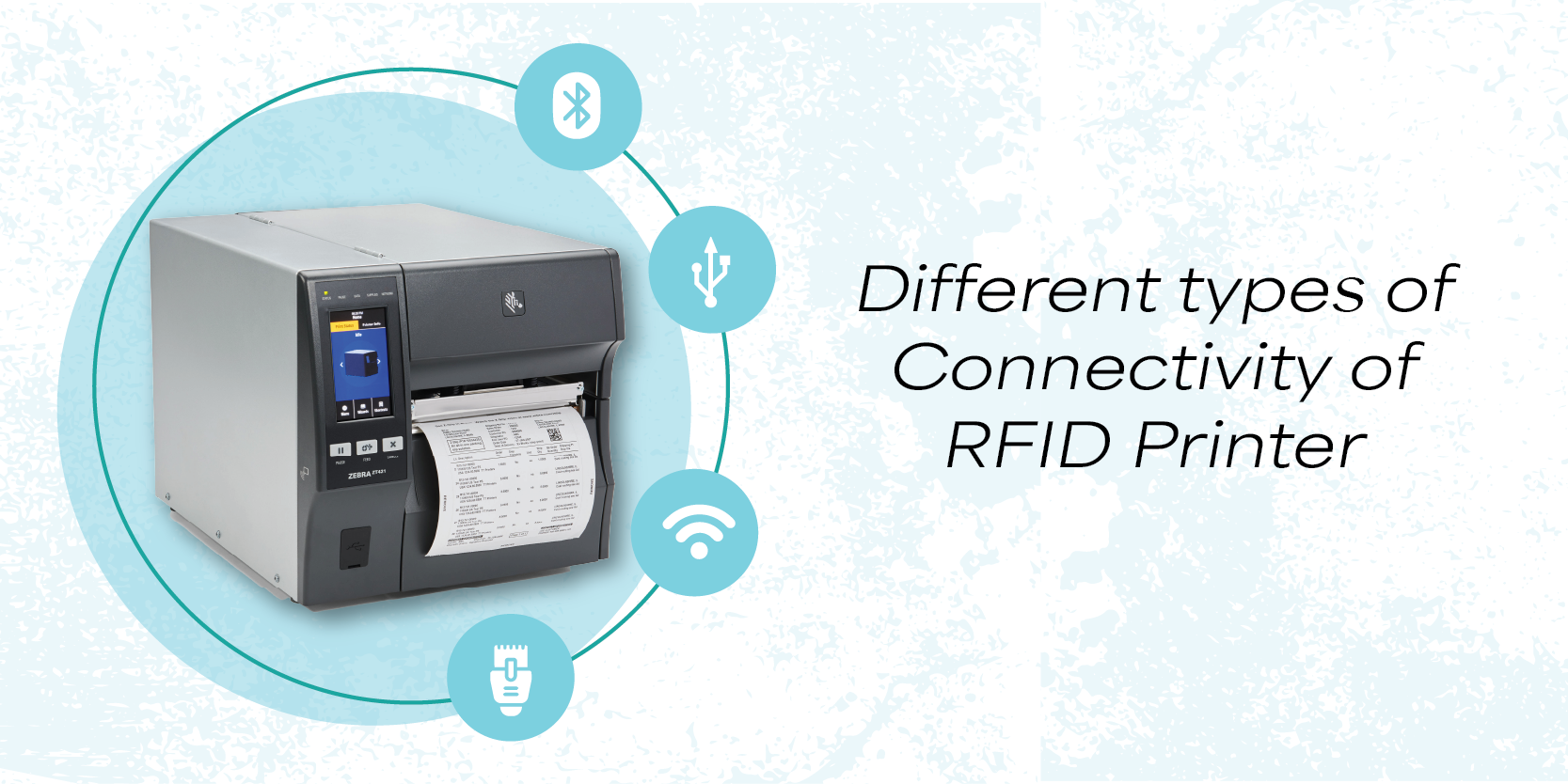
RFID printers today support multiple connectivity options including USB, Ethernet, Wi-Fi, Bluetooth, and serial interfaces, making them versatile for both industrial and office environments. Modern models also integrate with ERP/WMS systems and cloud platforms for real-time data exchange.
Common Connectivity Options in RFID Printers
|
Connectivity Option |
Use Case |
Key Benefits |
|
USB |
Direct PC connection, firmware updates, diagnostics |
Easy setup, high-speed transfer (USB 2.0/3.0/USB-C) |
|
Ethernet |
Enterprise networks, ERP/WMS integration |
Stable, long-distance, supports TCP/IP remote management |
|
Wi-Fi |
Wireless office/warehouse setups |
Flexible placement, reduces cabling |
|
Bluetooth |
Mobile/handheld device integration |
Quick pairing, portable printing |
|
Serial Ports |
Legacy systems, industrial automation |
RS232 for short-range stability, RS485 for multi-device long-range |
|
Cloud APIs |
IoT and cloud analytics |
Enables remote monitoring, asset visibility |
How Connectivity Impacts RFID Printing
- Real-time printing & serialization: Ethernet/Wi-Fi allow printers to sync with databases instantly.
- Remote management: IT teams can monitor printer health and update firmware via network/cloud.
- Mobile flexibility: Bluetooth/Wi-Fi-enabled handheld scanners or tablets can trigger RFID encoding.
- Industrial integration: Serial and automation protocols connect printers to PLCs and MES systems.
Key Things to Consider Before Buying an RFID Printer.
Key Considerations for Buying an RFID Printer
1. Tag Compatibility
- Ensure the printer supports your tag type: UHF (RAIN RFID) for supply chain/retail, or HF/NFC for access cards and smart labels.
- Check compliance with standards like ISO/IEC 18000-63 and EPCglobal Class 1 Gen 2 for UHF tags.
2. Encoding Reliability
- Look for printers with integrated RFID antenna + encoder modules that validate every write cycle.
- Avoid models that don’t confirm encoding success—this can cause inventory errors or access failures.
3. Software Integration
- Check compatibility with label design software like TagMatiks Print Manager.
- Drag-and-drop RFID field mapping saves time and reduces errors.
4. Print Technology
- Direct-to-Card (DTC): Lower cost, faster, but limited edge-to-edge printing.
- Retransfer: Higher quality, edge-to-edge, better for smart cards with uneven surfaces.
5. Volume & Duty Cycle
- Desktop printers: Best for <5,000 tags/month.
- Industrial printers: Needed for >5,000 tags/day in warehouses or retail hubs.
6. Encoding Options
- Support for magnetic stripe, contact chip, and contactless RFID encoding in one pass is ideal for ID cards.
7. Firmware & Support
- Choose models with firmware update support to avoid obsolescence.
8. DPI Resolution
- 203 DPI: Standard, sufficient for shipping labels and basic barcodes.
- 300 DPI: Better for small barcodes, graphics, and text clarity.
- 600 DPI: High-end, ideal for micro-labels, logos, and compliance-heavy industries.
- Higher DPI ensures barcode readability and professional branding.
Recent Posts
-
Understanding the Key Components of an RFID Printer
An RFID printer is a specialized device that not only prints labels but also encodes RFID chips embe …Aug 11th 2026 -
Complete Guide to RFID IT Asset Tracking: Benefits, Accuracy, and Scale
Introduction Managing IT assets has always been a challenge for organizations. From laptops and serv …Aug 5th 2026 -

RFID in Electronics Supply Chains: From Manufacturer to Retail Shelf
Introduction Radio Frequency Identification, or RFID, is a technology that uses radio waves to ident …Jul 27th 2026